LIVIA — Tutorials
Step-by-step visual walkthroughs for each LIVIA tool
Step-by-step visual walkthroughs for each LIVIA tool
Each tutorial below walks through a real workflow with auto-advancing screenshots. Click any step to jump to it, or let it play through automatically. Ready to try it yourself? Click the Try it button.
69 seconds, no sound: one prediction, from loading it to every map, 3D view and ChimeraX/PyMOL export, then cLIP on a whole screen.
Load prediction files from any platform and analyze interface confidence
46 seconds, no sound: chain colors, map colors and labels, cartoon gaps, and SVG or PNG export, set on the Prediction Analysis page.
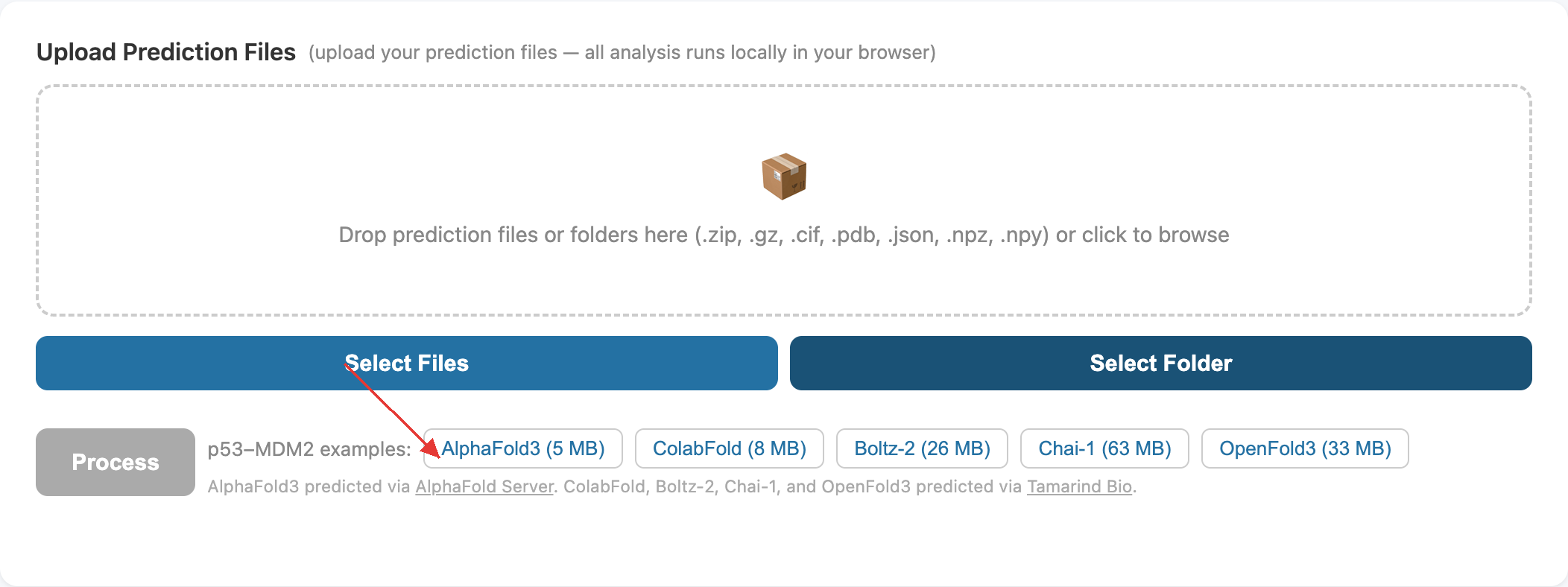
One-click jump from AlphaFold DB or FlyPredictome straight into LIVIA
53 seconds, no sound: drag it to your bookmarks bar once, then one click from AlphaFold DB (MYC–MAX) or FlyPredictome (Yki–Sd) shows which residues of each protein bind.
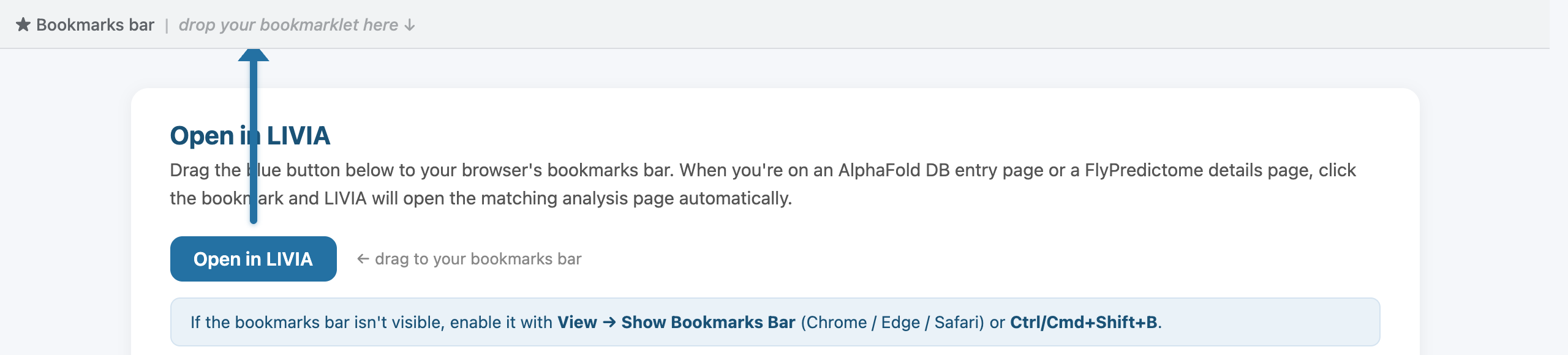
Drag the blue button to your browser's bookmarks bar. On an AlphaFold DB entry or a FlyPredictome details page, click the bookmark and LIVIA opens the matching analysis page automatically.
Right-click the bookmarks bar → Add page, name it LIVIA, and paste this as the URL: